Subscription Information
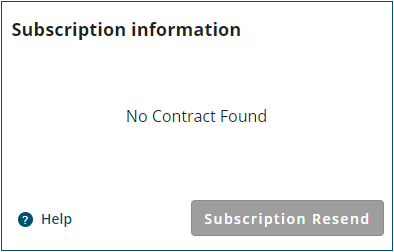
The Subscription Information tile provides information about the correction services enabled on the receiver.
When the receiver has an Ethernet connection and internet access, the Subscription Information tile shows the subscription information retrieved from the NovAtel eStore. When the receiver does not have internet access, the Subscription Information tile shows the subscription information stored in the receiver.
When there is no active subscription, this tile displays no contract found.
The Subscription Information tile appears only if the receiver has PPP services enabled.
Service Level
This is the type of correction service enabled on the receiver.
Start Date
This is the start date for the correction services subscription.
This field also shows the number of days remaining in the correction services subscription and the end date of the subscription. The progress bar shows percentage of time remaining in the current subscription.
Coverage
This indicates whether the correction services subscription enables access to 3 L-Band beams (Regional) or all L-Band beams (Global).
Subscription Resend
Click this button to request the NovAtel website resend the correction services subscription information to the receiver.
If the Subscription Resend button is clicked and the resend is successful, the Subscription successfully resent message is displayed.
If the Subscription Resend button is clicked and there is no Internet connection, the No internet connection. Please connect and try again. message is displayed.
If the Subscription Resend button is clicked more than 3 times, the PSN Resend Limit Reached message is displayed.
When the receiver does not have internet access, the Subscription Resend button is disabled.